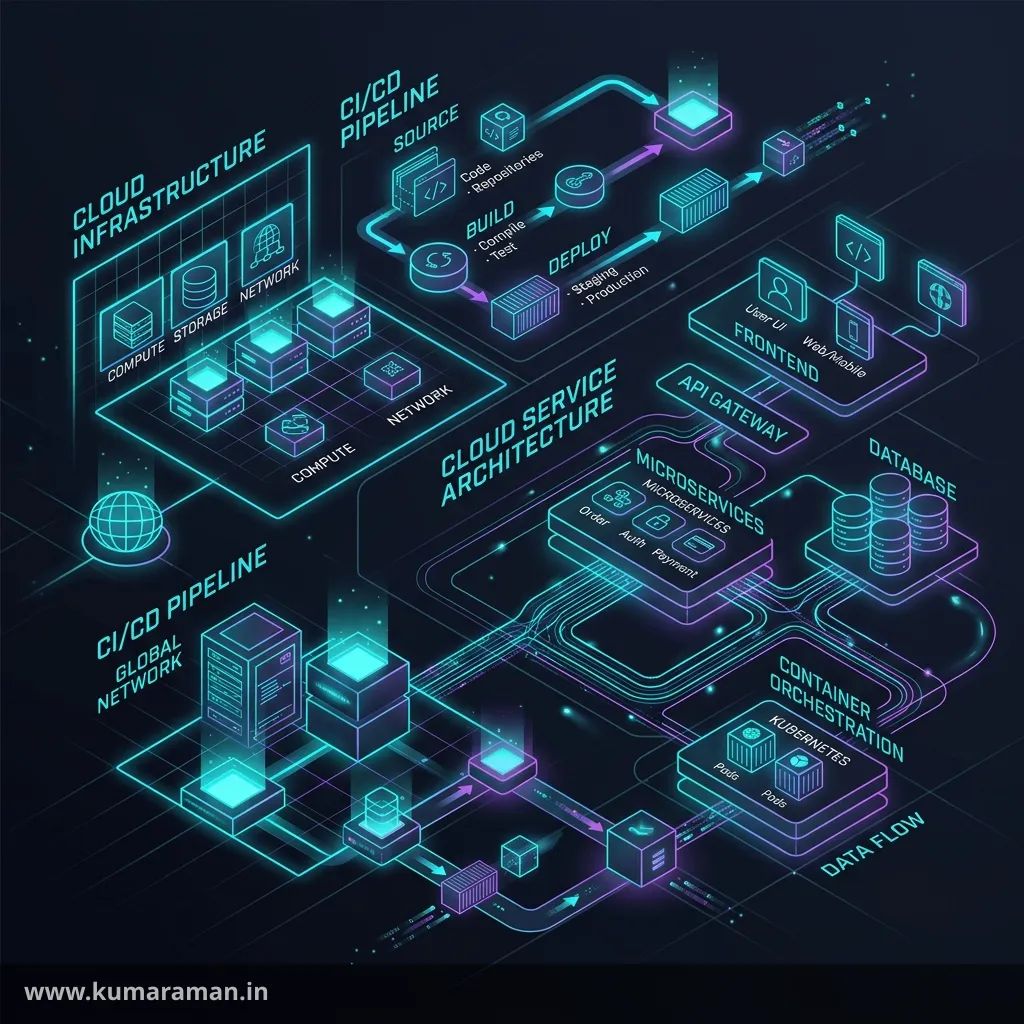
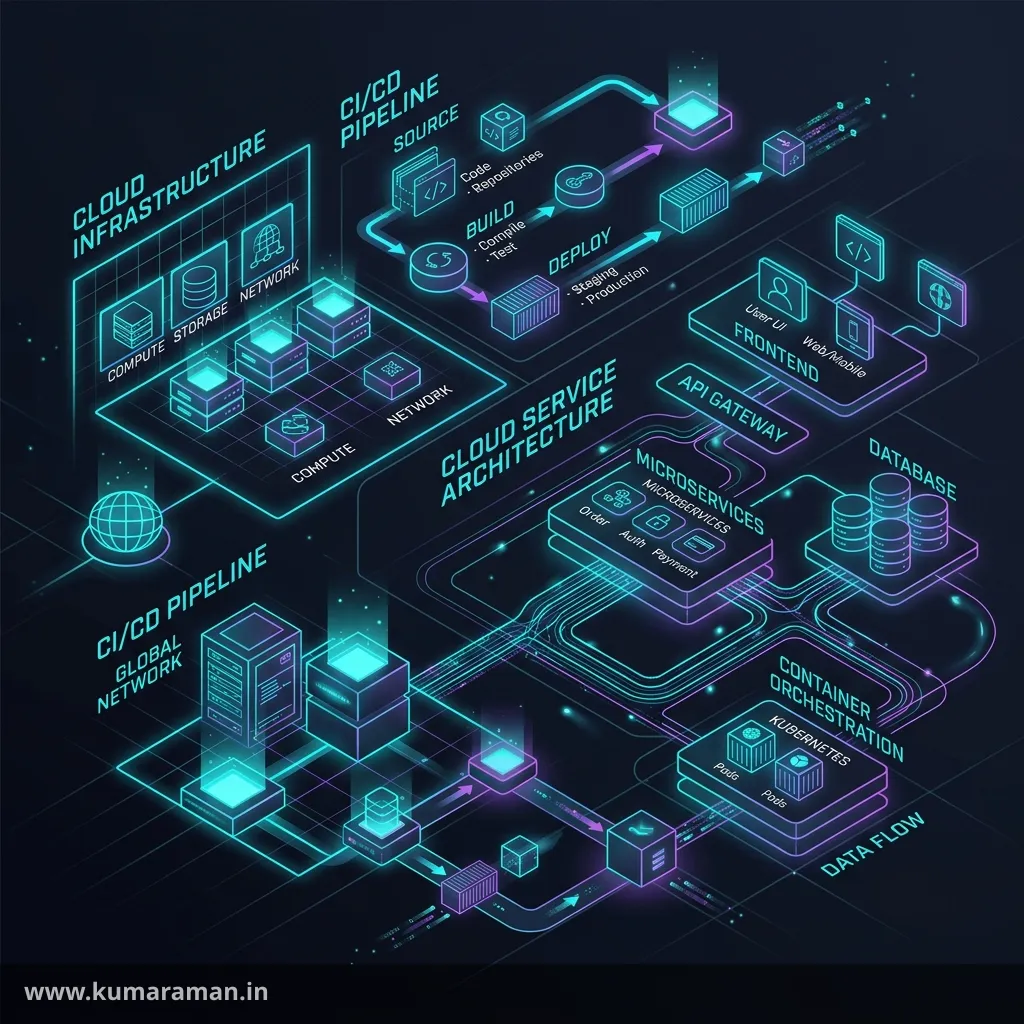
Modern AEM projects run on AEM as a Cloud Service (AEMaaCS), and it changes how you build and ship in ways that catch experienced 6.5 developers off guard. You no longer install packages on a server, edit /apps on production, or manage Apache by hand. Instead, everything flows through a managed pipeline, configuration becomes code, and a set of cloud-native tools — Cloud Manager, the Dispatcher SDK, the Rapid Development Environment — defines your day-to-day workflow.
This guide walks through that workflow end to end: how Cloud Manager orchestrates everything, how CI/CD pipelines and quality gates get your code to production safely, how to iterate fast with RDE and the Dispatcher SDK, how to handle configuration and secrets per environment, and how to migrate existing content with the Content Transfer Tool. As always, it ends with a cheat sheet, best practices, and do's & don'ts.
For how AEMaaCS differs from classic AEM at a glance, see the AEM Developer Cheat Sheet; for the topology it runs on, the AEM Architecture guide.
Cloud Manager
Cloud Manager is the control plane for AEMaaCS — the single, Adobe-hosted console through which you manage everything. There is no SSH, no admin login to a production box, no manual package install. If you want something to change in a cloud environment, it goes through Cloud Manager.
It's organized as a hierarchy you'll reference constantly:
- A Program represents a solution (a brand or product line) and contains its environments and pipelines.
- Environments are the running AEM instances — typically dev, stage, and prod, each with its own author, publish, and Dispatcher.
- Pipelines build and deploy your code into those environments.
- Git — every program has an Adobe-managed Git repository that pipelines build from; you can develop in your own Git and sync to it.
The mental shift is this: Cloud Manager is the only path to production. That single constraint is what makes the rest of the model — configuration as code, quality gates, immutable deployments — both necessary and reliable.
CI/CD Pipelines
A pipeline in Cloud Manager takes your code from Git, builds it, checks it, and deploys it. There are a few kinds, and choosing the right one matters:
- Full-stack pipeline — builds and deploys the whole application: the Java bundles, the content packages, and the Dispatcher config. This is the main production pipeline.
- Front-end pipeline — deploys only the front-end (theme) build, for teams that iterate on UI independently.
- Config pipeline — deploys only certain configuration (e.g. CDN/log settings) quickly.
Pipelines are further split by purpose. A production pipeline deploys through stage and then prod, with built-in steps for approval, scheduling, and testing — it's deliberately careful. Non-production pipelines deploy to dev (or run code-quality checks only) and are where you iterate before promoting.
A typical full-stack production pipeline runs these stages in order:
1. Build            → Maven build of the project
2. Code Quality     → SonarQube scan + OakPAL content checks (the gate)
3. Build Images     → package the deployable artifacts
4. Deploy to Stage  → install on the stage environment
5. Testing          → functional / custom / UI tests
6. Approval         → optional manual gate before prod
7. Deploy to Prod   → blue-green rollout, zero downtime
Pipelines are triggered by a Git push (when configured) or manually from Cloud Manager. Because every deploy goes through the same gated path, "it works on my machine" can never reach production untested.
Code Quality Gates
The step that surprises people is Code Quality — a mandatory gate that scans your build and can block the deployment. It runs a SonarQube analysis on your Java and an OakPAL validation on your content packages, and it grades the results into three severities:
| Severity | Effect |
|---|---|
| Critical | Hard failure — the pipeline stops |
| Important | Blocks promotion unless explicitly overridden (with justification) |
| Info | Reported, doesn't block |
The checks cover the things that historically caused production incidents: security hotspots, reliability and maintainability issues, a minimum test coverage threshold, and content-package rules (no writes to immutable paths, no overlap with /libs, valid node types). The gate is non-negotiable for critical issues, which is the point — it forces a baseline of quality on every change, not just the ones someone remembers to review.
Tip: Run the same checks locally before you push. Wire SonarQube and the
aem-analyser-maven-plugin/ OakPAL into your build so quality failures surface in seconds on your machine instead of minutes into a pipeline run.
Dispatcher SDK
On AEMaaCS you don't hand-maintain Apache — you work in the Dispatcher SDK, a standardized project (conf.d + conf.dispatcher.d) that the pipeline compiles and deploys. The SDK's real value for a developer is that it lets you validate and run the Dispatcher locally, exactly as the pipeline will:
# Validate the whole config (fails the way the pipeline would)
./bin/validator full -d ./out ./src

# Run the Dispatcher in Docker against a local publish/SDK
./bin/docker_run.sh ./src host.docker.internal:4503 8080
The validator is what enforces the immutable-vs-mutable file rules and catches broken syntax before you commit, so a bad Dispatcher change fails on your laptop rather than in a deployment. Because the Dispatcher is a deep topic of its own — filters, cache rules, virtual hosts, farm files, invalidation, troubleshooting — it has a dedicated Dispatcher guide.
RDE (Rapid Development Environment)
A full pipeline is safe but slow — minutes per run — which is painful when you're iterating on a single component. The Rapid Development Environment (RDE) solves that: it's a special cloud environment where you can deploy code, content, and OSGi configs in seconds, bypassing the pipeline, using the Adobe I/O (aio) CLI.
# Install a built artifact (bundle, content package, dispatcher config) into RDE
aio aem:rde install ./all/target/my-app-all.zip

# Inspect what's deployed
aio aem:rde status
RDE is built for the inner development loop: make a change, deploy it to a real cloud instance in seconds, verify, repeat. It is explicitly not a QA or staging environment — it's ephemeral and developer-owned, so once a change is proven you commit it and let the real pipeline carry it through the quality gate. Think of RDE as "production-like speed for development," with the pipeline still owning the road to prod.
Note: Use the local AEM SDK (the quickstart JAR + Dispatcher tools) for offline work, and RDE when you need to validate against actual cloud behavior quickly. They're complementary: local for fast/offline, RDE for cloud-accurate.
Environment Variables
Hard-coding values that differ between dev, stage, and prod is exactly the problem AEMaaCS environment variables solve. You define variables per environment in Cloud Manager (or via the CLI), and your application reads them at runtime — so the same build behaves correctly everywhere.
# Set a (plaintext) variable on an environment
aio cloudmanager:set-environment-variables ENV_ID \
  --variable API_ENDPOINT https://api.example.com
Your OSGi configuration then references the variable with the $[env:...] placeholder, which AEM resolves on the target environment:
{
  "endpoint": "$[env:API_ENDPOINT]"
}
Variables come in two flavors — ordinary variables (readable plaintext, for non-sensitive config) and secrets (encrypted, for sensitive values), covered next. Both can be scoped to author, publish, or the Dispatcher, and there are limits on how many and how large they can be, so use them for configuration, not bulk data.
Secrets Management
Sensitive values — API keys, passwords, tokens — must never live in Git or in plaintext config. AEMaaCS handles them as secret-type environment variables: you set them once, they're stored encrypted, and they cannot be read back out (only overwritten).
# Set a secret on an environment
aio cloudmanager:set-environment-variables ENV_ID \
  --secret API_KEY "super-secret-value"
You reference a secret in OSGi config with the $[secret:...] placeholder, exactly parallel to $[env:...]:
{
  "apiKey": "$[secret:API_KEY]"
}
The discipline this enforces is healthy: secrets are injected per environment at runtime, rotated by updating the variable (no redeploy of code needed), and never committed. The cardinal rule — true on any platform but especially here — is never put a secret in Git, an OSGi .cfg.json, or a log line.
Important: Because a secret can't be read back, store it in your own secure vault as the source of truth and push it into each environment. Treat Cloud Manager as the delivery mechanism, not the system of record, for credentials.
Content Transfer Tool
When you move to AEMaaCS from an existing AEM 6.x / AMS estate, your code goes through a pipeline — but your content (pages, assets, users) needs migrating too, and that's the job of the Content Transfer Tool (CTT).
CTT works in two phases:
- Extraction — on the source instance, you create a migration set that captures the content to move.
- Ingestion — the migration set is loaded into the target AEMaaCS environment.
It supports top-up transfers (moving only what changed since the last extraction), so you can do an initial bulk migration well ahead of go-live and then a quick delta at cutover to minimize downtime. CTT is installed as a package and driven from the source instance's tooling; it's purpose-built for the one-time (plus delta) job of getting legacy content into the cloud, distinct from everyday content distribution between running environments.
Tip: Plan migration as iterations: an early full extraction to shake out issues, then repeated top-ups. Don't leave the entire content transfer to go-live day — the first run always surfaces something.
Cheat sheet
| Tool / concept | What it's for | Where |
|---|---|---|
| Cloud Manager | Manage programs, environments, pipelines | Adobe console |
| CI/CD pipeline | Build → quality → deploy | Cloud Manager |
| Code quality gate | SonarQube + OakPAL; can block deploy | Pipeline step |
| Dispatcher SDK | Validate & run Dispatcher locally | ./bin/validator, ./bin/docker_run.sh |
| RDE | Deploy to cloud in seconds (dev loop) | aio aem:rde install |
| Env variables | Per-env config ($[env:NAME]) | Cloud Manager / aio |
| Secrets | Per-env credentials ($[secret:NAME]) | Cloud Manager / aio |
| Content Transfer Tool | Migrate 6.x/AMS content to cloud | Source instance package |
Best practices
- ✅ Treat Cloud Manager as the only path to prod — configuration and deploys as code.
- ✅ Run SonarQube + OakPAL locally so quality failures surface before the pipeline.
- ✅ Use RDE for the inner loop, the local SDK for offline work, and the pipeline for promotion.
- ✅ Validate Dispatcher config locally with the SDK validator before committing.
- ✅ Put environment-specific values in
$[env:...]and credentials in$[secret:...]— never in Git. - ✅ Plan content migration as an initial transfer plus top-ups, not a big-bang at go-live.
Do's and Don'ts
Do
- ✅ Keep OSGi configs environment-agnostic and inject differences via variables/secrets.
- ✅ Let the quality gate do its job — fix issues rather than reflexively overriding.
- ✅ Use top-up transfers to de-risk migration cutover.
Don't
- ❌ Don't try to edit
/appsor install packages on a cloud environment — it's immutable; use the pipeline. - ❌ Don't commit secrets to Git or bake them into
.cfg.json. - ❌ Don't treat RDE as QA/staging — it's ephemeral and developer-owned.
- ❌ Don't skip local Dispatcher validation and discover the failure in a pipeline run.
- ❌ Don't leave content migration to the last day.
Wrapping up
AEM as a Cloud Service trades manual control for automation and safety, and the tools reflect that bargain. Cloud Manager is the one way in; CI/CD pipelines with quality gates make every deploy consistent and vetted; the Dispatcher SDK and RDE give you fast, cloud-accurate feedback while developing; environment variables and secrets keep configuration clean and credentials safe; and the Content Transfer Tool brings your legacy content along. Internalize that workflow and AEMaaCS stops feeling restrictive and starts feeling like a guardrail that lets you ship confidently.
Pair this with the AEM Architecture guide for the topology, the Dispatcher guide for the SDK in depth, and the AEM Developer Cheat Sheet for the full cloud-vs-6.5 comparison.
Discussion
Loading discussion…
Try a related tool
Subscribe to the Newsletter
Get the latest articles, tutorials, and tech insights delivered straight to your inbox. No spam, unsubscribe anytime.