AEM Edge Delivery Services (EDS) — originally codenamed Franklin (and before that, Helix) — is Adobe's modern way to build extremely fast websites. It throws out almost everything you associate with traditional AEM: no author/publish/dispatcher, no Java, no client libraries, no OSGi. Instead, content authors work in documents, developers work in GitHub, and pages are assembled and served from a global edge. The headline result is sites that routinely hit perfect Lighthouse scores.
This guide explains how EDS actually works — the two authoring models, the architecture, GitHub-based publishing, content sources, the block component model, and the performance philosophy that produces those Lighthouse 100s. There's code throughout, plus a cheat sheet, best practices, and do's & don'ts.
It contrasts sharply with the traditional Architecture guide and the Frontend Integration guide; reading those first makes the differences clearer.
What EDS is (and isn't)
EDS is a content-delivery platform built for speed and authoring simplicity. The mental shift from classic AEM is total: there's no repository to model, no components in /apps, no Dispatcher to harden. Content lives in documents (or in AEM via the Universal Editor), code lives in a Git repo, and an edge pipeline turns the two into fast HTML served worldwide.
It is not the AEM Sites you know — there's no JCR, no Sling Models, no HTL. And it's not a heavy front-end framework either: EDS is deliberately framework-free, vanilla JavaScript and CSS, because every kilobyte is the enemy of a perfect Lighthouse score. Think of EDS as "publish a document, get a blazing-fast page."
Document Authoring
The most distinctive EDS feature is document-based authoring: content authors write pages in Google Docs or Microsoft Word (on SharePoint), using tools they already know — no CMS UI at all. The document is the page.
The mapping is intuitive. Headings become headings, paragraphs become paragraphs, images become images, and tables become blocks (the component model, below). A page is divided into sections by horizontal rules (---), and page metadata (title, description, etc.) is supplied by a special "Metadata" table:
# My Page Title

A regular paragraph of body content.

+----------------------------------+
| Cards            (← block name)  |
+----------------+-----------------+
| Card one text  | Card two text   |
+----------------+-----------------+

---

+----------------------------------+
| Metadata                         |
+-------------+--------------------+
| Title       | My Page            |
| Description | A fast EDS page    |
+-------------+--------------------+
To publish, the author uses the Sidekick browser extension to Preview (a .page URL) and then Publish (a .live URL). Because authoring is just editing a doc, content teams onboard in minutes — which is a large part of EDS's appeal.
Universal Editor
Document authoring is perfect for marketing content, but some teams want an in-context, WYSIWYG experience. That's the Universal Editor (UE) — a visual editor that lets authors edit content directly on the rendered page. UE is content-source-agnostic: it can edit content backed by AEM, by documents, or by a headless source.
UE works by instrumenting the HTML with data-aue-* attributes that tell the editor what's editable and how it maps back to the content source. So any front end — including an EDS site backed by AEM content — becomes authorable without a proprietary editor UI baked into the markup. In practice, EDS projects choose one primary authoring model: document authoring (content in Docs/SharePoint, via Sidekick) or Universal Editor (content in AEM, edited visually). Both feed the same edge-rendered, block-based front end.
Franklin/EDS Architecture
The architecture is what makes EDS fast, and it's radically simpler than classic AEM. There are three actors and an edge in between:
  Content source          GitHub repo            EDS edge pipeline
 (Docs / SharePoint   →   (blocks, CSS, JS)  →   render + serve
  or AEM via UE)                                  globally at the edge
        │                       │                        │
   authors edit            devs push                users get HTML
                                                   (*.page preview / *.live)
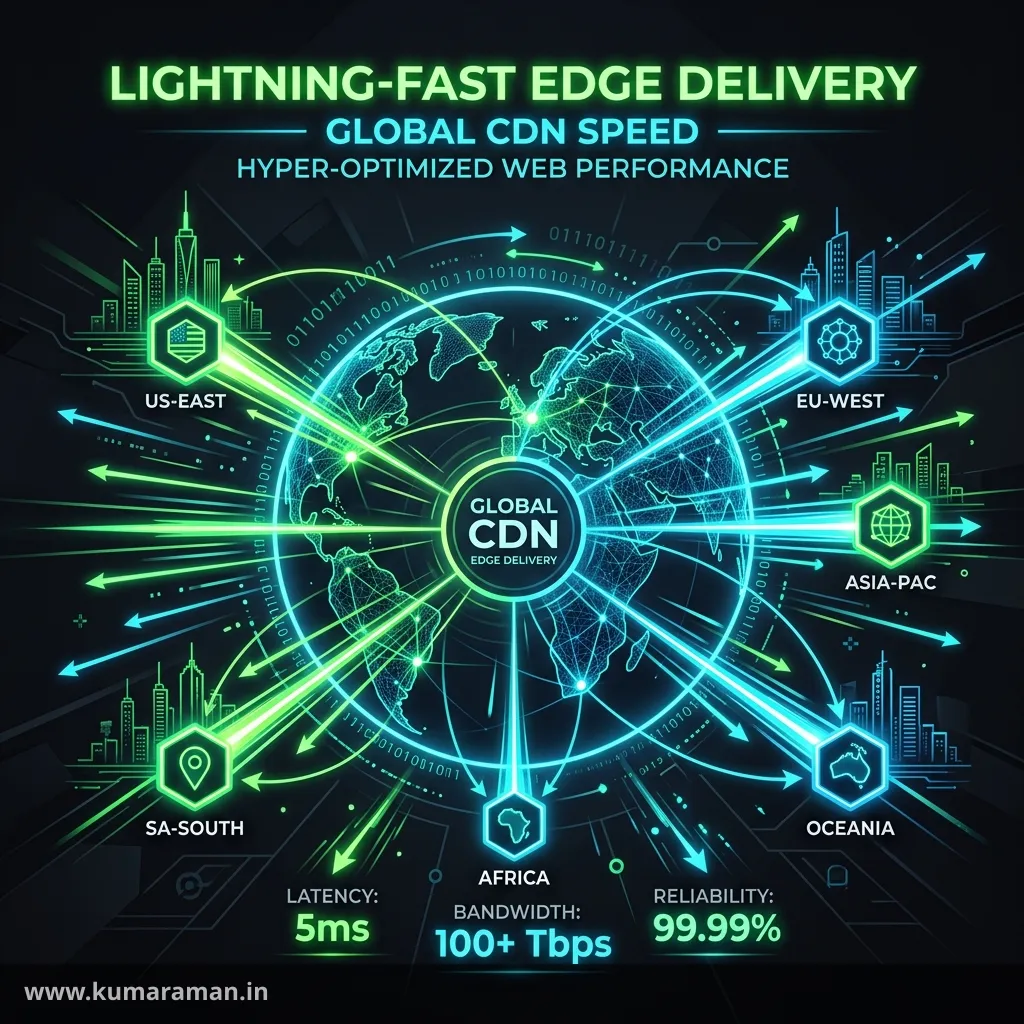
When a page is requested, the EDS pipeline pulls the content from the source, converts it to semantic HTML, and applies your blocks' JavaScript and CSS client-side — all served from a global CDN. There's no origin server you operate, no publish instance, no Dispatcher. Preview content is served from *.aem.page and production from *.aem.live (fronted by your real domain). The decoupling is the point: content people work in documents, developers work in Git, and the edge does the assembly.
GitHub-based Publishing
In EDS, the GitHub repository is the deployment pipeline. Your code — block JavaScript and CSS, global styles, scripts/scripts.js, head.html — lives in a repo, and the AEM Code Sync GitHub app connects that repo to EDS. Push to the main branch and your code is live at the edge almost immediately; there's no Maven build, no Cloud Manager pipeline, no quality gate to clear.
A small set of files configures the project. The most important is fstab.yaml, which mounts your content source:
mountpoints:
  /: https://drive.google.com/drive/folders/<folder-id>
Other conventional files include head.html (injected into every page's <head>), paths.json (URL mapping), and the scripts/styles folders. The model is refreshingly direct: git push is your deploy, and a branch gives you an instant, isolated preview environment.
Content Source
The content source is where page content actually lives, and EDS supports two kinds:
- Document sources — a SharePoint site or Google Drive folder, for document authoring.
- AEM — an AEM author instance, for Universal-Editor-based authoring.
Whichever you use, you mount it in fstab.yaml, and EDS reads content from there. Content has a two-stage lifecycle that mirrors traditional publishing: Preview (.page) renders the latest edited version for review, and Publish (.live) promotes it to production — done per document via Sidekick (or via the Admin API for automation). The clean separation — code from GitHub, content from the source — means developers and authors never block each other.
Block Development
Blocks are EDS's component model, and block development is where you spend your dev time. A block starts life in the document as a table whose first cell names it (e.g. "Cards"); the pipeline turns that table into a <div class="cards block"> with the rows and cells as nested <div>s. Your job is to transform that generated DOM into the final markup.
Each block lives in its own folder — /blocks/<name>/<name>.js and /blocks/<name>/<name>.css — and exports a default decorate function that receives the block element:
// blocks/cards/cards.js
export default function decorate(block) {
  [...block.children].forEach((row) => {
    const card = document.createElement('li');
    card.className = 'card';
    while (row.firstElementChild) card.append(row.firstElementChild);
    block.append(card);
    row.remove();
  });
  // wrap in a <ul>, enhance images, etc.
}
The pipeline's scripts/scripts.js orchestrates everything — it decorates sections, lazy-loads each block's JS/CSS when needed, and applies block variants (extra classes authors add to the block name, like "Cards (highlight)"). You can also auto-block: synthesize blocks in code from plain content (for example, turning the first section into a hero). The key constraint is to keep each block's JavaScript and CSS small and self-contained, because block weight directly affects the metric EDS cares about most.
Performance Optimization
Performance isn't a feature of EDS — it's the entire design philosophy, and understanding the loading strategy is essential. EDS loads a page in three phases (E-L-D), prioritizing what the user sees first:
- E — Eager: load only what's needed for the Largest Contentful Paint (the first section, critical CSS). This phase is ruthlessly minimal so the page paints fast.
- L — Lazy: load the remaining blocks, their CSS/JS, and below-the-fold content after the LCP.
- D — Delayed: load non-critical, deferrable code (analytics, chat widgets, marketing tags) several seconds later, so it never competes with the user experience.
On top of that, EDS ships no framework, uses vanilla JS and minimal CSS, optimizes images automatically (responsive <picture> with edge-generated variants), avoids layout shift by reserving space, and optimizes font loading. The discipline for developers is simple to state and hard to violate: don't add weight to the eager phase, and keep blocks lean. Every dependency you add is a tax on the score.
Lighthouse Scores
The payoff of all that discipline is near-perfect Lighthouse scores — EDS sites routinely score 100 across Performance, Accessibility, Best Practices, and SEO, and (more importantly) pass Core Web Vitals on real traffic: LCP under 2.5s, CLS under 0.1, INP under 200ms.
EDS achieves this by construction through everything above — the E-L-D loading, zero framework, optimized images, and minimal critical path — rather than by after-the-fact tuning. As a developer, your responsibility is to preserve the score: profile every block you add, keep third-party scripts in the delayed phase, and measure regularly. You can check any page's scores and Core Web Vitals with my Website Audit tool, which runs the same Lighthouse checks against a live URL.
Tip: EDS also collects Real User Monitoring (RUM) data, so you see field Core Web Vitals from actual visitors, not just lab scores. Lab (Lighthouse) tells you what can happen; RUM tells you what is happening — watch both, and treat a regression in either as a bug.
Cheat sheet
| Concept | What it is |
|---|---|
| Document authoring | Author pages in Google Docs / Word (Sidekick) |
| Universal Editor | Visual, in-context editing (any content source) |
| Tables → blocks | A named table becomes a block component |
fstab.yaml | Mounts the content source |
| AEM Code Sync | GitHub app — git push deploys to the edge |
*.aem.page / *.aem.live | Preview / production URLs |
| Block | /blocks/<name>/<name>.{js,css} + decorate() |
| E-L-D | Eager → Lazy → Delayed loading phases |
| Goal | Lighthouse 100 + passing Core Web Vitals |
Best practices
- ✅ Keep blocks small and self-contained — minimal JS/CSS per block.
- ✅ Put all non-critical third-party code in the delayed phase.
- ✅ Don't add weight to the eager phase; protect the LCP.
- ✅ Use the platform's optimized images and reserve space to avoid CLS.
- ✅ Treat
git pushas deploy, and use branches for isolated previews. - ✅ Monitor both Lighthouse (lab) and RUM (field) Core Web Vitals.
Do's and Don'ts
Do
- ✅ Choose one primary authoring model (documents or Universal Editor) per project.
- ✅ Build blocks as progressive enhancements of the generated semantic HTML.
- ✅ Measure each new block's performance impact before shipping.
Don't
- ❌ Don't bring a framework (React/Vue) into the eager path — it defeats the purpose.
- ❌ Don't load analytics or chat in the eager/lazy phase — defer them.
- ❌ Don't treat EDS like classic AEM; there's no JCR, OSGi, or Dispatcher.
- ❌ Don't add unbounded CSS/JS to blocks; weight erodes Lighthouse.
- ❌ Don't ignore RUM — lab scores alone hide real-world regressions.
Wrapping up
Edge Delivery Services is a different way of thinking about AEM: documents (or the Universal Editor) for content, GitHub for code, the edge for delivery — assembled through a simple block model and governed by a relentless focus on performance. The E-L-D loading strategy and a framework-free front end are what produce those perfect Lighthouse scores, and your job as a developer is to keep blocks lean enough to preserve them. If your priority is speed and authoring simplicity, EDS is Adobe's answer.
Compare it with the traditional AEM Architecture and Frontend Integration to understand the trade-offs, and use my Website Audit tool to keep your Core Web Vitals honest.
Discussion
Loading discussion…
Try a related tool
Subscribe to the Newsletter
Get the latest articles, tutorials, and tech insights delivered straight to your inbox. No spam, unsubscribe anytime.