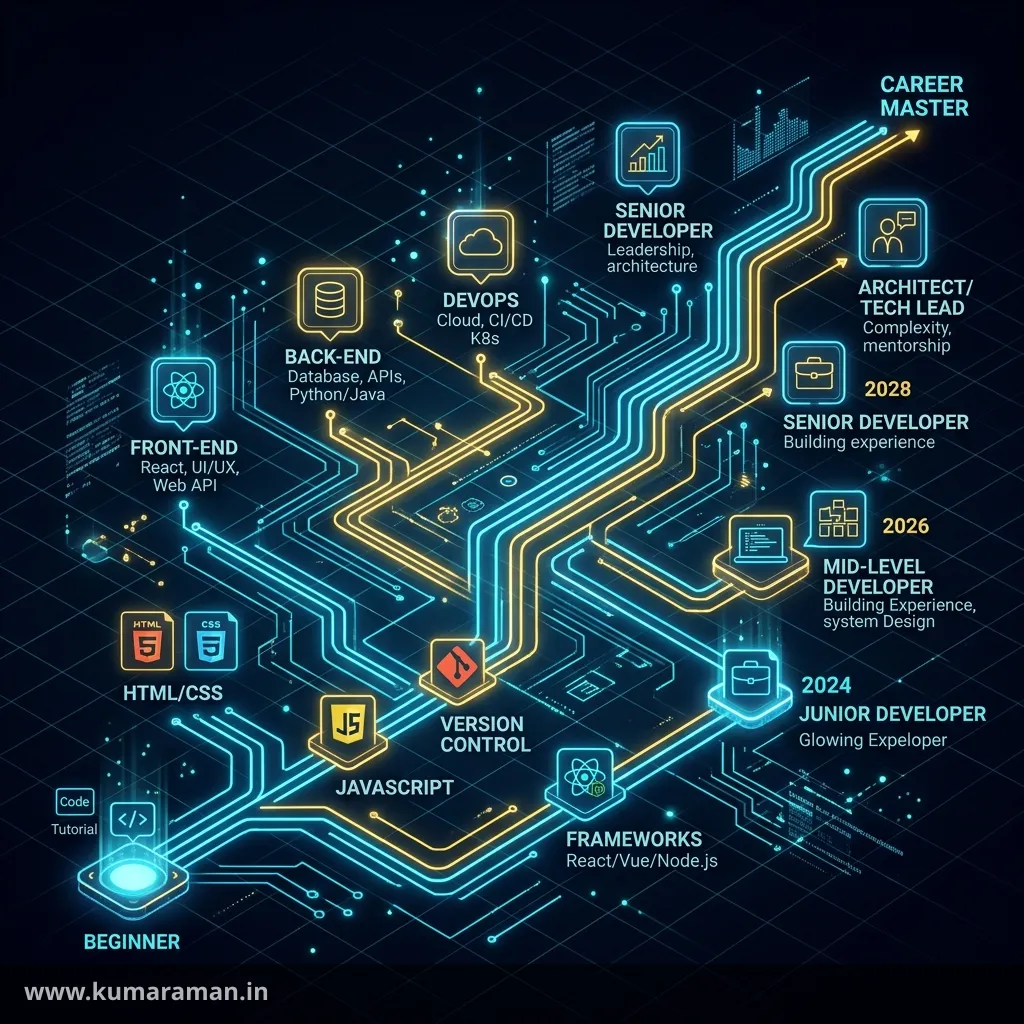
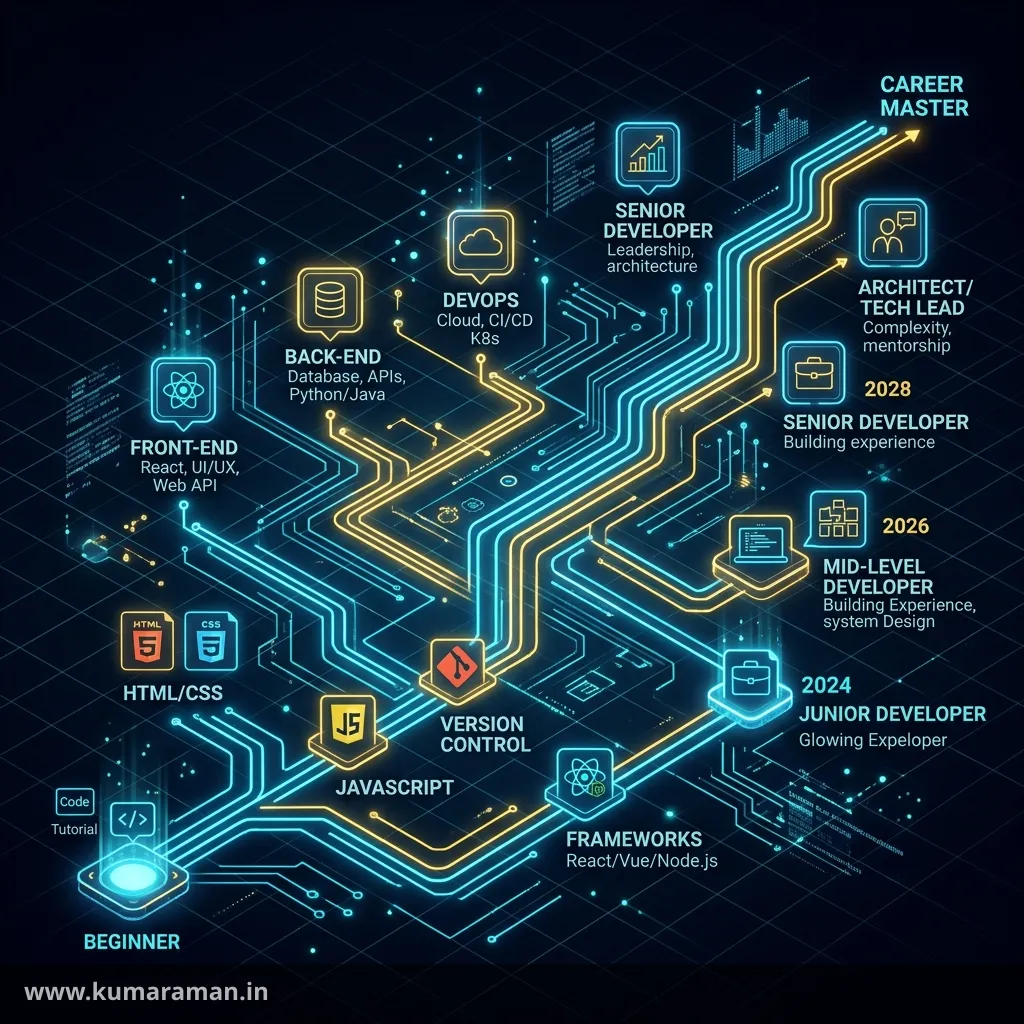
The most common question I get from people starting with Adobe Experience Manager is "where do I even start?" AEM sits on a stack of open-source projects (Oak, Sling, OSGi), ships in several flavours (Cloud Service, 6.5 LTS, Edge Delivery Services), and has accumulated years of APIs and conventions. Open the documentation without a plan and you'll bounce between Dispatcher farms and GraphQL queries before you understand what a resource is.
This post is the plan. It's a staged roadmap: eight stages, each building on the last, from the prerequisites you should have before touching AEM to the skills that make someone an architect. For every stage you get:
- Why it matters — what breaks if you skip it.
- What to learn — the concrete topics.
- Build this — a hands-on exercise, because nobody learns AEM by reading.
- You're ready when… — a checklist so you know when to move on.
- Go deeper — links to the full guide on this blog for that topic.
This roadmap is also the hub for the whole blog: every deep-dive guide I've written maps to a stage below. If you'd rather have a one-page overview of the platform first, read the AEM Developer Cheat Sheet and come back.
A note on time estimates. Every duration here is an estimate for someone studying part-time (roughly 8–10 hours a week). Treat them as planning ranges, not deadlines.
Stage 0: Prerequisites
Why it matters
AEM is a Java platform with a web front end, built with Maven, deployed from Git. Most "AEM is hard" pain is really one of these skills being shaky — and if you can't read a Maven failure or a Cache-Control header, AEM will feel like magic you can't debug.
What to learn
- Java. Core language, collections, interfaces, generics, exceptions, streams, and annotations. Know what an interface-plus-implementation service looks like, because that's exactly how OSGi services are written.
- As of September 2026, AEM as a Cloud Service runs on a Java 21 runtime, and Cloud Manager can compile your code with Java 11, 17, or 21 (you pick via a
.cloudmanager/java-versionfile; Adobe recommends 21). Adobe's release notes also announce a move to Java 25: SDK support from mid-October 2026, optional opt-in from November 2026, and all environments on Java 25 by June 2027, when the Java 21 runtime is decommissioned. Learn modern Java (records,var, text blocks, switch expressions) and you're covered. - AEM 6.5 LTS supports Java 17 and Java 21; classic AEM 6.5 runs on the older Java 8/11 line.
- As of September 2026, AEM as a Cloud Service runs on a Java 21 runtime, and Cloud Manager can compile your code with Java 11, 17, or 21 (you pick via a
- Maven. The POM, parent POMs, modules, dependency scopes (
providedmatters a lot in AEM), profiles, and plugins. You'll live in a multi-module Maven project. - Git. Branching, pull requests, rebasing, resolving conflicts. Cloud Manager deploys from Git, so your branching strategy is your release strategy.
- HTML, CSS, JavaScript. Semantic HTML, modern CSS (flexbox, grid, custom properties), and ES6+ JavaScript. Edge Delivery Services in particular is almost pure front-end work.
- HTTP basics. Methods, status codes, headers, cookies, caching headers (
Cache-Control,ETag,Last-Modified), redirects, and what a CDN does. Dispatcher and CDN work is 80% HTTP.
Build this
Write a two-module Maven project (API interfaces plus implementation) with JUnit 5 tests, pushed to GitHub via branches and PRs. Then run curl -I against a few real websites and explain every response header.
You're ready when…
- ✅ You can create a multi-module Maven build from scratch and explain why a dependency is
provided. - ✅ You can write an interface, an implementation, and a unit test without looking anything up.
- ✅ You can read an HTTP response and explain how long a browser or CDN would cache it.
Estimated time: 0–3 months, depending on your starting point. Experienced Java developers can skip straight to Stage 1.
Stage 1: Foundations — JCR, Sling, OSGi, and the AEM model
Why it matters
This stage separates developers who understand AEM from those who copy snippets. Oak/JCR stores everything as nodes, Sling turns URLs into resources and resources into output, and OSGi runs your Java as modular services. Every later topic builds on these three ideas.
What to learn
- The JCR and Oak — nodes, properties, node types, mixins, the repository layout (
/apps,/libs,/content,/conf,/var,/home), mutable vs immutable content in the cloud, and indexing basics. → JCR & Oak guide - Apache Sling — resource resolution, URL decomposition (resource path, selectors, extension, suffix),
sling:resourceTypeandsling:resourceSuperType, script resolution, servlets, filters, andResourceResolver. → Sling guide - OSGi — bundles, the service registry, Declarative Services (
@Component,@Reference,@Activate), OSGi configurations and run-mode-specific config folders. → OSGi guide - The AEM architecture — author, publish, and Dispatcher; replication; the Cloud Service split into content-management and experience-delivery planes; the preview tier. → Architecture guide
- Run modes —
author/publishplus environment run modes (dev,stage,prod) and how configs are selected by folder name. - Local setup — the AEM as a Cloud Service SDK (Quickstart JAR), the Dispatcher tools, and the AEM Project Archetype. → Local development setup guide
Keep the annotations reference open while you learn — most of your early confusion will be "which annotation does what?"
Build this
- Set up the AEM SDK locally with an author instance (and a publish instance if your machine can handle it).
- Generate a project with the AEM Project Archetype and deploy it with Maven.
- In CRXDE Lite, create a node with
sling:resourceTypepointing to a script you wrote, and request it with different selectors and extensions to watch script resolution change. - Write an OSGi service with a configurable property, deploy it, change the config via a run-mode folder, and verify it in the Web Console.
You're ready when…
- ✅ Given a URL like
/content/site/en/page.teaser.json, you can say which resource and which script will handle it. - ✅ You can explain the difference between
/appsand/libs, and why you never edit/libs. - ✅ You can write, configure, and inject an OSGi service.
- ✅ You can draw the author → publish → Dispatcher → CDN flow from memory.
Estimated time: 1–2 months.
Stage 2: Building sites — components, HTL, templates, and front end
Why it matters
This is the day job for most AEM developers, and it's where a maintainable site and a mess part ways: whether you reuse Core Components, whether templates and policies give authors the right freedom, and whether your front-end build is clean.
What to learn
- Component anatomy — the component node,
cq:dialog,cq:editConfig,cq:design_dialog, HTL scripts, and the.content.xmlthat ties them together. → Component development guide - HTL — expressions,
data-sly-use,data-sly-test,data-sly-list,data-sly-resource,data-sly-template, context-aware XSS escaping. → HTL cheat sheet - Sling Models — adapting resources and requests, injectors (
@ValueMapValue,@ChildResource,@OSGiService,@Self),@PostConstruct, the delegation pattern, and Sling Model Exporters for JSON. → Backend development guide - Dialogs — Granite UI (Coral 3) fields, multifields, show/hide logic, and validation.
- Editable templates and policies — template types, structure vs initial content, layout container policies, allowed components, and why static templates are legacy.
- Core Components and the Style System — proxy components, versioned resource types, extending via
sling:resourceSuperType, and letting authors pick styles instead of you building variants. → Core Components & Style System guide - Client libraries and
ui.frontend— clientlib categories, embedding, dependencies,allowProxy, the webpack-basedui.frontendmodule, and the Cloud Manager front-end pipeline. → Front-end integration guide - Unit testing — JUnit 5 with AEM Mocks (
AemContext) for Sling Models and services. Start this habit now, not in Stage 5. → Unit testing guide
Build this
Complete Adobe's WKND "Get started with AEM Sites" tutorial on Experience League end to end (the archetype track, not just the Site Templates track). Then build three components of your own on top of it:
- A Hero that proxies and extends the Core Teaser, adding one new dialog field and a Sling Model that delegates to the Core model.
- A Card list with a multifield, rendered by a Sling Model with full unit test coverage.
- A Style System variant (for example, dark/light) instead of a new component.
The component generator tool can scaffold the boilerplate once you understand what each file does.
You're ready when…
- ✅ You can build a component with a dialog, Sling Model, and HTL without copying from an old project.
- ✅ You default to proxying a Core Component before writing one from scratch.
- ✅ You can create an editable template, configure its policies, and explain structure vs initial content.
- ✅ Your Sling Models have unit tests that run in the Maven build.
Estimated time: 2–3 months.
Stage 3: Content and operations
Why it matters
AEM is sold to marketing organisations, and what they buy is content operations: a DAM, reusable content, approvals, multi-language rollout, and permissions. Knowing these features is what lets you build the platform an organisation actually runs on, not just pages.
What to learn
- Assets (DAM) — asset structure, renditions, metadata schemas, asset microservices and processing profiles in the cloud (the Cloud Service replaces the old in-JVM rendition workflow), Dynamic Media basics. → Assets & DAM guide
- Content Fragments and Experience Fragments — CF models, variations, references; XF variations and when to use each. → Content Fragments & Experience Fragments guide (and the CF model builder tool)
- Workflows — models, launchers, process and participant steps, custom
WorkflowProcessimplementations, transient workflows, and when a Sling Job is the better choice. → Workflows guide - MSM and translation — blueprints, live copies, rollout configs, inheritance, language copies, and translation projects. → MSM, Live Copy & Translation guide
- Search — Query Builder predicates, JCR-SQL2, Oak indexes and why an un-indexed query is a production incident waiting to happen. → Query Builder reference (try the query reports tool)
- Security — users, groups, ACLs, closed user groups, and service users with
ServiceUserMapperinstead of administrative resolvers; repoinit for provisioning them as code. → Security, users, groups & ACLs guide
Build this
Extend your WKND project with a content operations layer:
- A Content Fragment model for "Article" and a component that renders a fragment.
- A custom workflow that validates required metadata on an asset and routes it to a reviewer group, started by a scoped launcher.
- A language master plus two live copies, with one component whose inheritance you cancel and re-enable.
- A service user created via repoinit, used by an OSGi service that runs a Query Builder query — then check the query plan and add an index if needed.
You're ready when…
- ✅ You can explain when to use a Content Fragment vs an Experience Fragment vs a page.
- ✅ You can write a workflow process step and a launcher that won't loop.
- ✅ You never reach for an admin session, and you can provision a service user as code.
- ✅ You can tell whether a query is served by an index.
Estimated time: 2–3 months.
Stage 4: Delivery and performance
Why it matters
Most AEM production incidents I've seen aren't Java bugs but caching mistakes: a page that never invalidates, a personalised fragment cached for everyone, a filter that exposes /crx. Your caching strategy is your performance strategy — and your first security perimeter.
What to learn
- Dispatcher deep dive — farms,
/filter(deny-by-default),/cacherules,statfileslevel, invalidation,/clientheaders, rewrites, vhosts, and the Cloud Service Dispatcher SDK and its validator. → Dispatcher guide - CDN — the Adobe-managed CDN in front of Cloud Service, TTLs via
Cache-Control/Surrogate-Control, CDN configuration (traffic filter rules, redirects, request/response transformations) deployed through the config pipeline, and bring-your-own-CDN setups. - Caching strategy — what gets cached where (browser, CDN, Dispatcher), how long, and how it's invalidated. Personalisation via client-side calls or Sling Dynamic Include instead of disabling cache.
- Security headers — CSP, HSTS, and friends, set at the web tier. → Web security headers guide (check them with the security headers tool)
- Troubleshooting — reading
error.logand request logs, thread dumps, slow-query logs, the Developer Console in the cloud, and Core Web Vitals. → Performance & troubleshooting guide - SEO fundamentals — canonical URLs, sitemaps, robots,
hreflang, and redirects are all delivery-tier concerns. → SEO guide
Build this
- Run your project through the Dispatcher SDK locally, validate the config, and deliberately break a filter rule to see the validator catch it.
- Configure caching so HTML is cached with invalidation on publish, clientlibs are cached long-term with versioned URLs, and one JSON endpoint is excluded. Verify with
curl -Iand the Dispatcher cache folder. - Complete Adobe's Dispatcher cache tutorial on Experience League.
- Use the Dispatcher tester and redirect checker to test your rules.
You're ready when…
- ✅ You can explain why a given URL was or wasn't served from cache, at each layer.
- ✅ Your filters are deny-by-default and you can prove
/crx/deand/system/consoleare blocked on publish. - ✅ You can take a slow page and find the cause from logs and metrics, not guesses.
Estimated time: 1–2 months.
Stage 5: Cloud and DevOps
Why it matters
AEM as a Cloud Service changed the job. You don't SSH into servers or install packages on production — everything goes through Cloud Manager pipelines with quality gates you must pass. Adobe's tutorials now centre on the cloud product, so shipping through Cloud Manager is a baseline developer skill, not a DevOps specialty.
What to learn
- AEM as a Cloud Service fundamentals — the container-based, auto-scaling architecture; immutable
/appsand/libsat runtime; the continuous release model (monthly feature releases plus maintenance releases); what's different from 6.5. → Cloud Service guide - Cloud Manager pipelines — the four pipeline types: full-stack, front-end, web tier config, and config pipelines (for CDN rules, log forwarding, and maintenance tasks), and production vs non-production pipelines.
- Quality gates — SonarQube-based code quality rules plus Adobe's custom AEM rules, security and performance testing on stage, product and custom functional tests, custom UI tests, and the Lighthouse-based Experience Audit.
- Rapid Development Environments (RDE) — deploying bundles, content packages, OSGi configs, and Dispatcher config in seconds with the
aio aem:rdeCLI plugin, instead of waiting for a full pipeline. RDEs are for development and debugging only. - Environment variables and secrets — referenced from OSGi configs with
$[env:...]and$[secret:...]. - Deprecated APIs — from September 28, 2026, environments still using APIs marked for removal (for example
com.google.common,org.apache.log4j,org.apache.sling.commons.auth) don't receive critical release updates, per Adobe's release notes. - Testing — unit tests (from Stage 2), integration tests with the AEM Testing Clients, and UI tests. → Unit testing guide
Build this
- Get access to a Cloud Service sandbox program (through your employer, a partner, or an Adobe trial if one's available to you).
- Push your WKND project to the Cloud Manager Git repository and run a non-production full-stack pipeline. Fix every Code Quality issue it reports rather than overriding.
- Split your front-end into a front-end pipeline and measure the difference in deploy time.
- Deploy a feature to an RDE with
aio aem:rde:installand iterate on it without running the pipeline. - Add a config pipeline with one CDN traffic filter rule.
You're ready when…
- ✅ You can take a commit to production through Cloud Manager and explain every gate it passed.
- ✅ You use an RDE for fast iteration and know what it can't do (no preview tier, not for load).
- ✅ You know which of your dependencies are on Adobe's deprecated-API list.
Estimated time: 1–2 months.
Stage 6: Modern AEM — headless, Edge Delivery, Universal Editor, and AI
Why it matters
This is where AEM has changed most. The platform now offers three delivery models — server-rendered pages, headless content APIs, and Edge Delivery Services — plus the Universal Editor, an authoring surface that works across them. You needn't master all of them, but you must know when each fits.
What to learn
- Headless AEM — Content Fragment models as schema, GraphQL persisted queries (cacheable GETs), and the newer Content Fragment Delivery with OpenAPI endpoints. → APIs & integrations guide, Content Fragments guide
- Front-end frameworks against AEM — consuming AEM content from React or Next.js. → Next.js App Router for AEM developers
- The SPA Editor is deprecated (Cloud Service release 2025.01; AEM 6.5 SP23). Existing implementations get only P1/P2 and security fixes, and Adobe recommends the Universal Editor for new decoupled projects.
- Edge Delivery Services (EDS) — blocks written in vanilla JS and CSS, a GitHub repository as the code source, content from documents (Google Docs or SharePoint), Document Authoring, or AEM via the Universal Editor, and a performance-first architecture that targets a 100 Lighthouse score. Adobe's WKND overview page now points new projects towards EDS. → Edge Delivery Services guide
- Universal Editor — in-context visual editing for any implementation (EDS, AEM-rendered pages, and external headless apps such as React), driven by instrumentation attributes in your markup. It's also available for AEM 6.5.
- AI features in AEM — what actually exists. Be precise here, because the marketing moves faster than the product. As of September 2026, Adobe documents:
- An AI Assistant (a conversational interface) and agents listed in the AEM docs, such as Brand Experience, Content Advisor, and Governance. The September 2026 release notes say AEM's agentic capabilities are generally available in Adobe CX Enterprise Coworker, part of the Adobe CX Enterprise offering announced at Adobe Summit 2026.
- Generative content features — Generate Variations integrated into AEM editors, AI-generated Smart Tags for assets, and AI (LLM) translation integration.
- Developer-facing AI tooling — an AEM MCP server that lets chat apps and coding agents work with AEM content (and, since 2026.9.0, Cloud Manager programs, environments, and pipelines); Adobe agent skills (the
adobe/skillsGitHub repository) including a Code Assessment skill for Cloud Service best practices and a Cloud Migration skill that assesses 6.5 codebases and produces migration runbooks. - Availability and licensing vary by entitlement, and names change often. Check the "AI in AEM" docs before promising any of this to a client.
Build this
Pick at least two:
- Complete Adobe's "Get started with AEM Headless" tutorial, then build a small Next.js page that renders an Article fragment through a persisted GraphQL query.
- Complete "Get started with Edge Delivery Services and Universal Editor" and build one custom block from scratch, keeping the Lighthouse score at 100.
- Instrument an existing page or React app for the Universal Editor.
- Run Adobe's Code Assessment skill against your WKND project in your AI coding tool, and review every suggestion as you would a junior's PR.
You're ready when…
- ✅ You can explain, for a given brief, whether you'd choose AEM Sites with the Page Editor, headless with GraphQL, or Edge Delivery Services — and defend it.
- ✅ You've shipped a working EDS block and a working headless query.
- ✅ You can describe AEM's current AI features accurately, including what they don't do.
Estimated time: 2–3 months (ongoing — this area changes monthly).
Stage 7: Senior and architect
Why it matters
Here your job shifts from "build the feature" to "decide how features get built": content model, multi-site structure, integration boundaries, migration plan, and behaviour at 10x traffic. Mistakes at this level are structural and can take a year to unwind.
What to learn
- Multi-site architecture — MSM vs language copies vs shared components, context-aware configuration (
/conf), tenant isolation, and shared vs per-brand code bases. → MSM guide, Architecture guide - Integrations — Adobe Analytics, Target, and the data layer; commerce; search; identity; and patterns for calling external APIs safely (timeouts, circuit breakers, caching, Sling Jobs for async work). → Analytics, Target & data layer guide, APIs & integrations guide
- Migration — Best Practices Analyzer, Cloud Acceleration Manager, the Content Transfer Tool, code refactoring for the cloud (immutable repository, service users, OSGi config formats, Dispatcher conversion), and now the AI-assisted Cloud Migration skill. → 6.5 to Cloud Service migration guide
- Performance at scale — cache hit ratios, index design, repository size, asset processing throughput, and load-testing strategy. → Performance guide
- Governance and estimation — code standards, review processes, environment strategy, and cost. (The cost estimator tool is a useful conversation starter.)
- Communication — decision records, explaining trade-offs to stakeholders, and mentoring.
Build this
Write a solution architecture document for a fictional company with three brands in five languages, a mobile app, and an AEM 6.5 on-premise install: target platform, content model, multi-site structure, integrations, phased migration, caching, and risks. Then ask a senior colleague to tear it apart.
You're ready when…
- ✅ You can design a multi-site, multi-language structure and explain its rollout and governance.
- ✅ You can plan a 6.5 → Cloud Service migration, including the parts that aren't code.
- ✅ You can predict where a design will break under load before it goes live.
Estimated time: this stage is measured in years of project experience, not months of study. Adobe's own Architect Master exam guidance expects several years of hands-on architecting.
Learning resources
The best AEM resources are free and published by Adobe. Start here:
- Experience League (
experienceleague.adobe.com) — Adobe's documentation, tutorials, and courses hub. The AEM tutorials page lists the developer tracks. - "Get started with AEM Sites" (WKND tutorial) — the canonical beginner project. It has two tracks: the AEM Project Archetype track (the traditional, code-first approach — do this one) and the Site Templates track (low-code, Cloud Service only). The finished reference site lives at wknd.site.
- "Get started with AEM Headless" — Content Fragments, GraphQL, and persisted queries end to end.
- "Get started with Edge Delivery Services and Universal Editor" — building an EDS site authored in the Universal Editor.
- "Get started with AEM Content Fragment Delivery with OpenAPI" and "Get started with Universal Editor for React apps" — the newer headless tracks.
- AEM Dispatcher cache tutorial — the clearest official explanation of how Dispatcher caching and invalidation work.
- AI-assisted development on Experience League — how Adobe positions
AGENTS.md, agent skills, and MCP servers in an AEM project. - Paid training — Adobe's "Develop Websites and Components in Adobe Experience Manager" course (instructor-led or on-demand). Useful if your employer pays; not required.
- Source code —
adobe/aem-core-wcm-componentsandadobe/aem-project-archetypeon GitHub. Reading Core Component models is the best Sling Model education there is. - Community — Experience League Communities forums, AEM User Groups, adaptTo() conference recordings (the best deep Sling/Oak content anywhere), and practitioner blogs such as Jörg Hoh's cqdump.
On this blog, keep the AEM Developer Cheat Sheet and the HTL cheat sheet bookmarked, and when you're preparing for job changes, work through the AEM interview questions and answers.
Certifications
Adobe's certification program groups AEM credentials into Professional, Expert, and Master levels. The Experience League certification overview (last updated May 2026) lists these developer-relevant ones:
| Level | Certification | Exam code | Fits after |
|---|---|---|---|
| Professional | Adobe Experience Manager Sites Developer Professional | AD0-E128 | Stage 2–3 |
| Expert | Adobe Experience Manager Sites Developer Expert | AD0-E137 | Stage 4–5 |
| Expert | Adobe Experience Manager DevOps Engineer Expert | AD0-E124 | Stage 5 |
| Expert | Adobe Experience Manager as a Cloud Service Migration Expert | AD0-E136 | Stage 7 |
| Master | Adobe Experience Manager Sites Architect Master | AD0-E117 | Stage 7 |
A few practical notes:
- Exam codes change when Adobe refreshes an exam. Confirm the current code and exam guide on
certification.adobe.combefore booking, and ignore "dumps" sites listing retired codes. - Adobe lists the Sites developer exams at 1 hour 40 minutes. Adobe also publishes free prep guides and paid practice tests on the certification site.
- Adobe's certification site describes a free renewal path for most certifications: short online renewal modules that extend your credential rather than retaking the full exam.
- For Edge Delivery Services, Adobe offers the "Adobe Experience Manager Edge Delivery Services – Developer Professional" training course (EDS-D200, about 13.5 hours, 10 modules). At the time of writing I couldn't confirm a matching proctored exam, so check the certification site.
Are they worth it? They won't make you a good developer, but they force you to study areas your projects never touched, and they matter to Adobe partner agencies. Treat them as a checkpoint at the end of a stage, not a substitute for building things.
Common mistakes
These are the patterns I see most often in people learning AEM — including my past self.
- ❌ Skipping Stage 1. Jumping straight to components and copying HTL from old projects. You'll be productive for a month and confused for a year. Learn Sling resolution properly once.
- ❌ Learning on a 6.5-only mental model. Tutorials from 2016 still rank well. If a guide tells you to install packages on production, edit
/appsat runtime, or usegetAdministrativeResourceResolver, it's outdated for the cloud. - ❌ Building components from scratch instead of proxying and extending Core Components and using the Style System.
- ❌ Ignoring the Dispatcher until go-live. The Dispatcher config is part of the codebase; learn it early and run the SDK locally.
- ❌ Admin sessions and hard-coded credentials. Use service users and Cloud Manager secrets from day one.
- ❌ Un-indexed queries. They work on your laptop with 200 pages and time out in production with 200,000.
- ❌ No tests. AEM Mocks make Sling Model tests cheap, and Cloud Manager's gates will demand coverage anyway.
- ❌ Learning the SPA Editor for new work. It's deprecated; learn the Universal Editor instead.
- ❌ Believing the AI hype (or dismissing it). Learn what the AEM MCP server, agent skills, and authoring agents actually do today, and verify every AI-generated change the way you'd review a colleague's PR.
- ✅ Do build a personal project you can show, keep notes as you go, and read the Core Components source.
What's changing
These are the trends to plan your learning around — each backed by Adobe's own documentation and release notes:
- Cloud Service is the default. Adobe's tutorials, certification refreshes, and feature releases target AEM as a Cloud Service first. It releases monthly, and the Java runtime keeps moving: Java 21 today, with a documented move to Java 25 that completes in June 2027.
- AEM 6.5 is winding down. Per Adobe's release roadmap, AEM 6.5 support for Adobe Managed Services customers ended by August 31, 2026, and on-premise core support ends February 28, 2027, with extended support until February 28, 2028. SP26 (planned for November 2026) is the last planned classic 6.5 service pack. AEM 6.5 LTS (generally available since March 2025, on Java 17/21) is Adobe's recommended on-premise branch; its service packs have roughly 18-month windows, and Adobe's support-timeline article (updated September 2026) says the LTS product currently follows the same core and extended dates. If you work on 6.5, expect migration work — to 6.5 LTS or to the cloud — to dominate the next two years. → Migration guide
- Edge Delivery Services is where new sites start. Adobe's WKND tutorial overview itself recommends EDS for new projects. EDS skills are front-end skills: vanilla JS, CSS, performance, and Core Web Vitals.
- The Universal Editor is the unifying authoring surface, replacing the SPA Editor for decoupled builds. Alongside GraphQL, OpenAPI-based Content Fragment APIs make AEM content easier to consume from any stack.
- Agentic AI in authoring and development. Authors get AEM agents via CX Enterprise Coworker; developers get the AEM MCP server,
AGENTS.md, and agent skills. The durable skill is knowing AEM well enough to judge what the AI produced. - Deprecated-API enforcement. From September 28, 2026, Cloud Service environments using APIs targeted for removal stop receiving critical release updates. Keeping dependencies clean is now an operational requirement, not a nice-to-have.
What isn't changing: JCR, Sling, and OSGi still underpin Cloud Service, and HTTP caching still decides whether your site is fast. Stages 0–4 remain the best investment you can make.
Roadmap at a glance
| Stage | Key topics | Est. time | Go deeper |
|---|---|---|---|
| 0. Prerequisites | Java 17/21, Maven, Git, HTML/CSS/JS, HTTP | 0–3 months | Cheat sheet |
| 1. Foundations | JCR/Oak, Sling, OSGi, author/publish/Dispatcher, run modes, local SDK | 1–2 months | JCR, Sling, OSGi, Architecture, Local setup |
| 2. Building sites | Components, HTL, Sling Models, dialogs, templates, Core Components, clientlibs, unit tests | 2–3 months | Components, HTL, Backend, Core Components, Front end, Testing |
| 3. Content & operations | Assets, CF/XF, workflows, MSM & translation, Query Builder, security | 2–3 months | Assets, CF & XF, Workflows, MSM, Query Builder, Security |
| 4. Delivery & performance | Dispatcher, CDN, caching, headers, SEO, troubleshooting | 1–2 months | Dispatcher, Performance, Security headers, SEO |
| 5. Cloud & DevOps | Cloud Service, Cloud Manager pipelines, quality gates, RDE, deprecated APIs | 1–2 months | Cloud Service |
| 6. Modern AEM | Headless/GraphQL/OpenAPI, EDS, Universal Editor, AI features | 2–3 months, ongoing | EDS, APIs, Next.js |
| 7. Senior/architect | Multi-site, integrations, migration, scale, governance | Years of practice | Migration, Analytics & Target, Interview Q&A |
Added up, Stages 0–6 come to roughly 12–18 months of part-time study for someone starting with basic programming skills — and considerably less if you're already a Java developer working on an AEM project every day.
Wrapping up
AEM rewards learning in the right order. Get the prerequisites solid, then learn JCR, Sling, and OSGi properly — everything else is an application of those three ideas. Build real components on Core Components, understand the content operations marketers actually buy, and treat Dispatcher and CDN caching as core development work rather than ops trivia. Then learn to ship through Cloud Manager, and add the modern layer — headless, Edge Delivery Services, the Universal Editor, and an honest understanding of AEM's AI features. The architect stage comes from projects, not courses.
You don't need every stage to be employable — most developers land their first AEM role around Stage 2 or 3. Keep moving in order, and end every stage with something you built.
Start with the AEM Developer Cheat Sheet for the big picture, set up your machine with the local development setup guide, and then open the JCR & Oak guide — that's Stage 1, and it's where the real learning starts.
Discussion
Loading discussion…
Try a related tool
Subscribe to the Newsletter
Get the latest articles, tutorials, and tech insights delivered straight to your inbox. No spam, unsubscribe anytime.